For your masjid, wherever it is
Beginning and jamā'at times for every prayer, a countdown to the next one, reminders before it, and widgets for your home screen. No account and no adverts.


Quwwat-ul-Islam Society
Sunday 1 November · London
| Prayer | Begins | Jamā'at |
|---|---|---|
| Fajr | 05:14 | 06:15 |
| Sunrise | 06:53 | |
| Zohar | 11:48 | 13:00 |
| Asr | 14:43 | 15:15 |
| Maghrib | 16:36 | 16:39 |
| Esha | 18:04 | 18:30 |
Today, published by the masjid itself.
When your masjid publishes its timetable, you see its times exactly as it sets them.
Choose your masjid and the app is ready. Nothing to sign up for, and no password.
Search by name, town or postcode, or find the masjids near you.
In the app
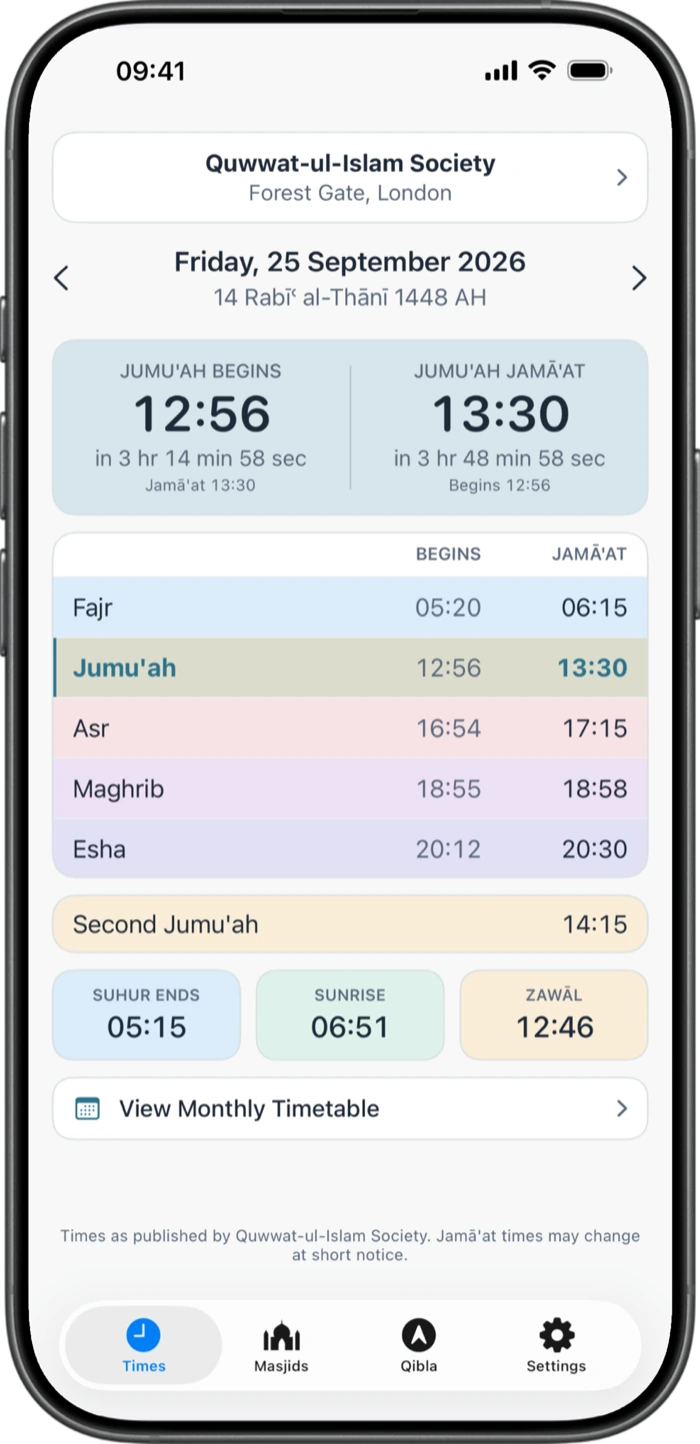
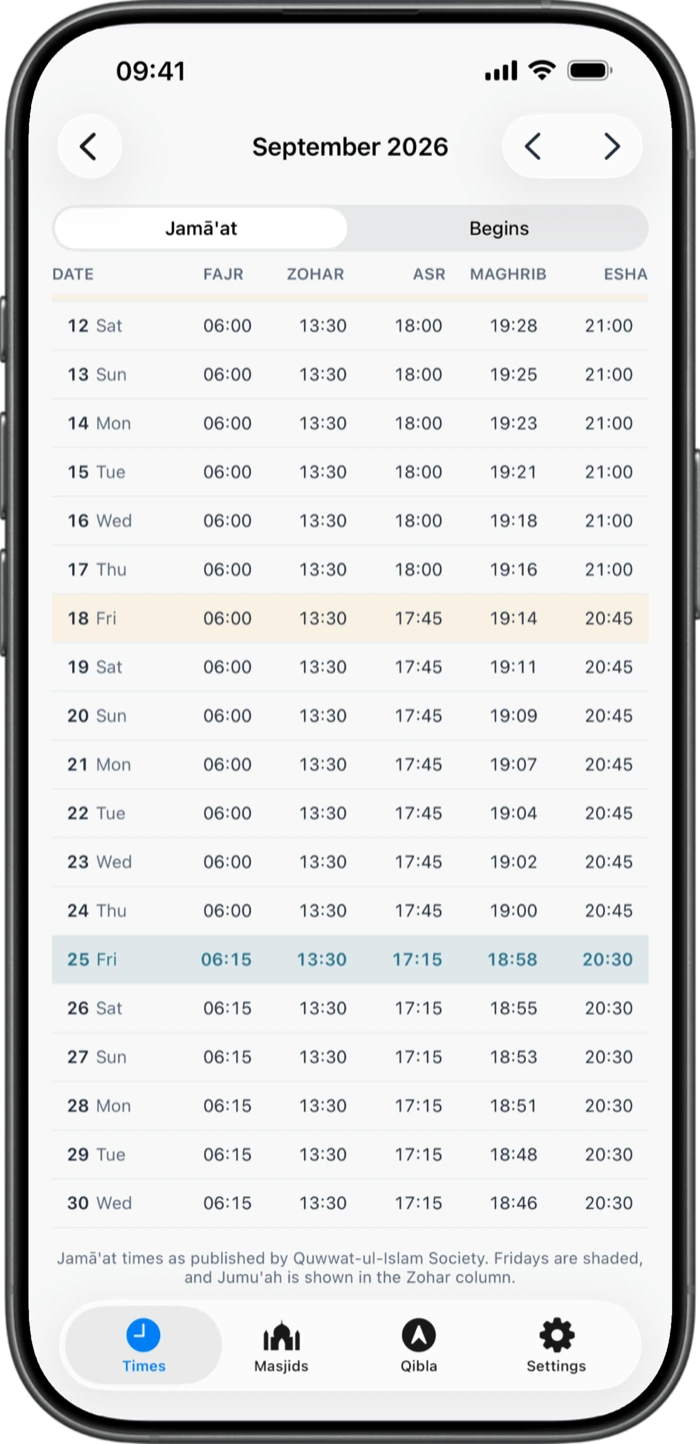
Count down to the jamā'at time, the beginning time, or both side by side.
A notification before each prayer, at the jamā'at time or the beginning time, as early as you choose.
The next prayer and the day's times on your home screen and lock screen.
After sunrise and at Zawāl, the countdown marks that time in red, with when it ends.
An arrow that turns green when you are facing the Qibla.
The one you pray at, and one more for work, family or travel.
Published or calculated
When a masjid publishes its timetable, the app shows its beginning and jamā'at times exactly as published.
When it has not, the app works out beginning times from the masjid's location and marks them Calculated. They tell you when each prayer's time begins, not when that masjid holds its jamā'at.
Is your masjid showing Calculated times? Anyone who runs it can register and publish its own.
The first is when the masjid holds its jamā'at. The second is when Zohar's time begins.
It takes a few minutes to start, and your masjid stays in control of its times.
 Masjid Timetable